Changing the Audio Input on a Windows PC
10 November 2025
Change the Audio Output Device on a Windows PC
In the Settings menu, click on Bluetooth & devices
Click on Devices.
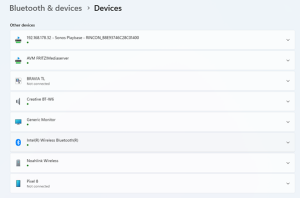
Scroll down the page to a list of connected devices. The list should look something like this, with the Connect Clip or the Sennheiser dongle instead of my Creative BT-W6:
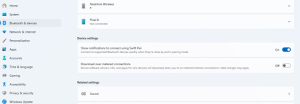
Scroll further down the page to Related settings > Sound:
Click on Sound. In this picture my Creative dongle is highlighted:
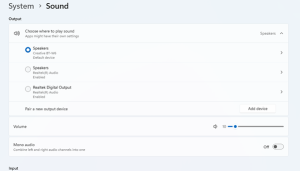
Click on the device that you want the PC audio to be directed to.
The Volume can be changed using the slider.
Read Other News Articles